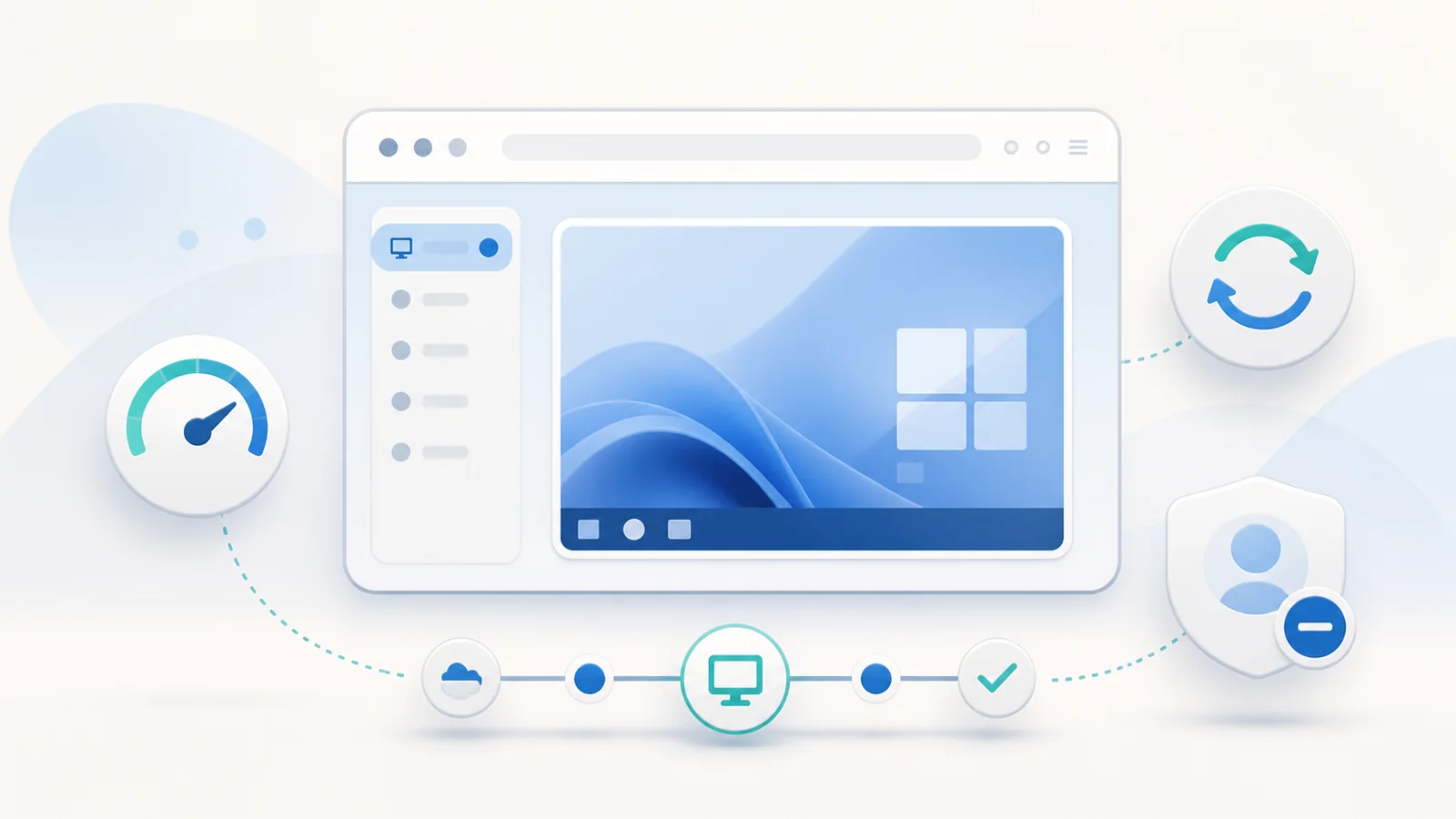
A web client can make access easy, but the remote workload still consumes session-host CPU, memory, storage, profile services, and network capacity. Good session management connects what the user sees in the browser with what operators measure on the RDS collection.
Define the meaning of each session state
An active session has a connected user interface. A disconnected session remains on the host without a current display connection. A signed-out session has ended and should release its applications and most user resources. Teach users these differences because closing a browser tab is not necessarily a sign-out.
Our Remote Desktop Web Client overview describes the browser boundary. Pair that user guidance with documented idle, disconnected, and maximum session limits. Choose limits that protect capacity without destroying legitimate long-running work unexpectedly.
Give users a consistent start and exit routine
Publish one approved portal bookmark and a short readiness check: supported browser, stable network, correct identity, and required local permissions. At the end of ordinary work, users should save files and sign out from Windows. Disconnect should be reserved for an intentional short interruption.
Document what happens after a network drop and how long a disconnected session remains available. Users who understand the policy are less likely to open duplicate sessions, abandon applications, or interpret a normal reconnect as data loss.
Measure the complete experience
Track page response, authentication time, resource enumeration, launch duration, time to interactive desktop, reconnect duration, input delay, and display responsiveness. Pair user timestamps with gateway, broker, and session-host measurements. Averages alone can hide a small group with consistently poor service.
Segment results by client network, browser, collection, host, user profile type, and time of day. Measure packet loss and latency as well as bandwidth. Remote display can feel poor on a high-bandwidth path when latency varies or packets are repeatedly retransmitted.
Tune display demand deliberately
Viewport size, scaling, full-screen use, animation, image-heavy applications, and rapid screen changes influence the amount of display work. Start with a practical resolution and scaling level for the task. A larger browser window is not free, especially across a constrained or unstable link.
Avoid disabling visual features globally based on one report. Compare the same user and application at a smaller viewport, then compare another user on the same host. This separates local display demand from collection-wide host pressure and application-specific rendering.
Control redirection as both a feature and a cost
Clipboard, file transfer, printing, and audio can improve productivity, but they add data flows, support cases, and sometimes measurable load. Enable only approved features and explain their expected behavior. Browser printing or file exchange may not behave like a native RDP client.
When a redirected feature is slow, test the session without it and inspect the relevant policy and host service. Do not assume general session slowness and do not open broader device access as a workaround. Keep security and data-handling requirements in the performance decision.
Manage host capacity and user profiles
Monitor CPU scheduling, memory pressure, storage latency, profile load time, application contention, and session count per host. Capacity is workload-specific: many light applications can behave differently from a smaller number of graphics-heavy or data-intensive sessions.
Profile problems can mimic a slow connection by delaying sign-in, presenting a temporary desktop, or stalling application initialization. Test profile storage and permissions separately. Drain a host before maintenance so new sessions go elsewhere while existing work ends through a controlled process.
Operate with baselines and change records
Maintain a known-good test account, harmless resource, external test path, and baseline measurements. Schedule reviews of abandoned sessions, host balance, certificate dates, browser compatibility, and recurring support categories. Use trends to plan capacity before users encounter a hard limit.
After every tuning change, compare the same measurements and retain a rollback value. Communicate changes that affect sign-out behavior, redirection, or display. A technically successful change can still fail operationally when users are surprised by a new session rule.
Session operations checklist
- Active, disconnected, and signed-out states are documented for users.
- Idle and disconnected limits match business and capacity needs.
- Launch time and interactive responsiveness have a baseline.
- Network, host, profile, and application evidence are compared.
- Display and redirection changes are tested independently.
- Hosts can be drained and recovered without improvised steps.
- Every tuning change has a recorded result and rollback value.
Remember
Tune from evidence, not instinct. A smaller display can hide host pressure, and a faster host cannot correct excessive latency or an unhealthy profile service.